The global photography services market was valued at $55.6 billion in 2023 and is projected to reach $81.83 billion by 2032 (source). A major driver of this growth is the rising demand for professional retouching and structured editing methods that deliver consistent, high-quality results.
A Headshot Retouching Workflow refers to a systematic approach that ensures natural, polished, and professional headshots without falling into the trap of over-editing. Unlike casual photo corrections, a structured workflow balances automation tools with manual artistry, guaranteeing efficiency and authenticity.
By following a well-defined process, businesses and professionals can achieve headshots that enhance branding, strengthen trust, and improve career opportunities. This article explores the complete step-by-step Headshot Retouching Workflow, supported by industry data, best practices, and common pitfalls to avoid.
What Is a Headshot Retouching Workflow?
A Headshot Retouching Workflow is a structured series of editing steps designed to deliver consistent, natural, and polished headshots. Unlike casual editing, which may vary from image to image, a workflow focuses on repeatability, quality control, and precision, ensuring every headshot meets the same professional standard.
The workflow approach is particularly valuable for businesses, teams, and professionals who need uniform results across multiple images. By following a defined process, retouchers can avoid the risks of over-editing, such as overly smooth skin or artificial-looking enhancements, while still presenting subjects at their best.
For a deeper foundation, see our guide on What Is Headshot Retouching?
Why Is a Workflow Important in Headshot Retouching?
A headshot retouching workflow is important because it ensures consistency, efficiency, and natural results across multiple images. Without a workflow, each photo may look different, leading to an unprofessional presentation.
A structured workflow prevents over-editing and helps maintain authenticity, which is essential for corporate and professional headshots. According to a LinkedIn survey, profiles with professionally retouched headshots receive up to 21 times more profile views. This highlights the need for a systematic editing process to build trust and credibility.
For corporate teams, a workflow also ensures uniform quality control. For example, when retouching employee portraits, the same editing steps—such as skin smoothing, blemish removal, and background cleanup—are applied to all images. This creates a polished and consistent brand identity.
Related: Corporate Headshot Retouching Importance
What Are the Core Steps in the Headshot Retouching Workflow?
A professional headshot retouching workflow follows a series of structured steps to ensure natural, consistent, and polished results. Here are the key stages:
Step 1 – Image Selection and Cropping
Start by selecting the strongest image with proper face framing. For LinkedIn, the recommended size is 400 x 400 pixels, with the face occupying about 60% of the frame. Proper cropping lays the foundation for a professional, impactful presentation.
Step 2 – Exposure and Color Correction
Adjust brightness, contrast, and white balance to achieve neutral and natural skin tones. Fine-tuning highlights, shadows, and tone curves ensures the headshot looks vibrant, authentic, and platform-ready.
Step 3 – Skin Retouching and Blemish Removal
Use natural skin-smoothing methods to avoid the over-processed “plastic effect,” which affects over 40% of amateur retouching attempts. Professionals typically spend 10–20 minutes per image addressing blemishes, scars, and temporary imperfections.
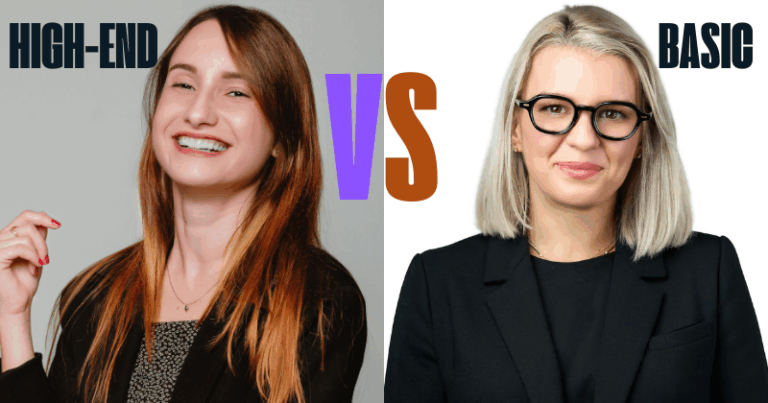
👉 Related: High-End vs Basic Headshot Retouching
Step 4 – Eye and Teeth Enhancement
Brighten and sharpen the eyes subtly to increase engagement while maintaining realism. Apply natural teeth whitening for a polished smile without making it look artificial.
Step 5 – Hair and Clothing Touch-ups
Tidy up flyaway hairs, lint, and wrinkles on clothing. These small refinements remove distractions and enhance overall professionalism.
Step 6 – Background Adjustment
Ensure the background is clean, professional, or branded to keep focus on the subject. If replacing, pay attention to lighting and edges to avoid artificial results. This is especially useful for consistent team portraits across company websites, ID cards, and LinkedIn profiles.
Step 7 – Sharpening and Final Polish
Apply moderate sharpening to enhance details without harshness. Save the final images in JPEG or PNG format and ensure they meet platform requirements (e.g., LinkedIn’s max file size: 8MB).
How Does Workflow Differ by Purpose?
The headshot retouching workflow isn’t one-size-fits-all. Different purposes require tailored approaches to ensure the final image meets professional, creative, and industry expectations:
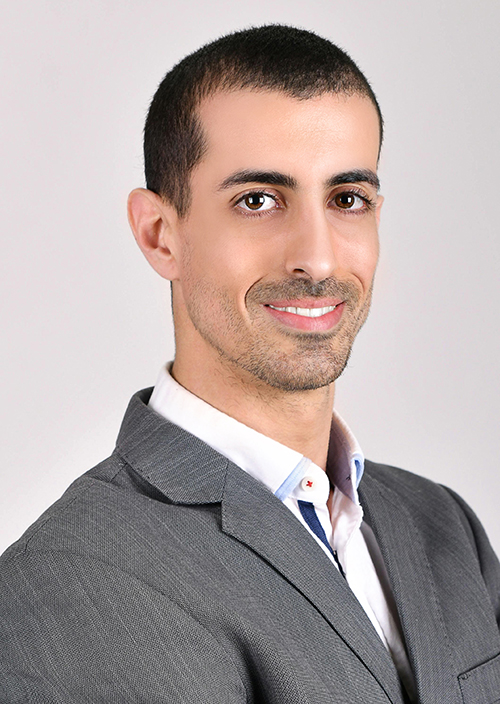
Corporate Headshots
For company websites, press kits, or team directories, the workflow emphasizes consistency across all employees. Retouchers ensure uniform lighting, clean backgrounds, and a polished editing style so the brand looks cohesive and professional.
LinkedIn Headshots
Here, the focus shifts to individual visibility and personal branding. Retouching highlights clarity, confidence, and approachability—qualities that help professionals stand out in search results and networking opportunities.


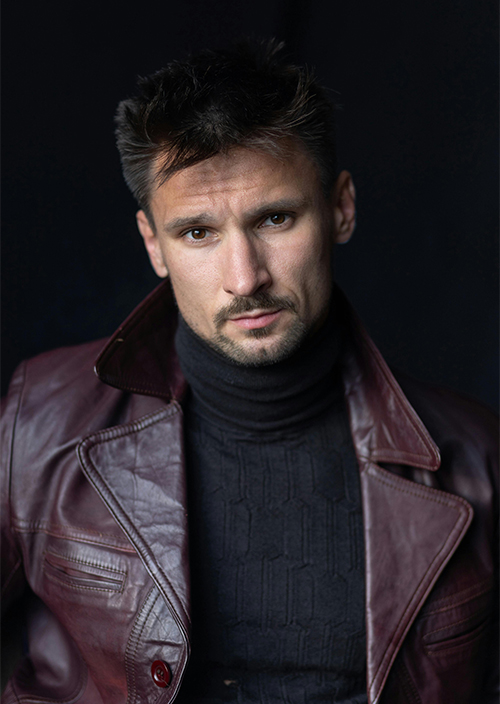
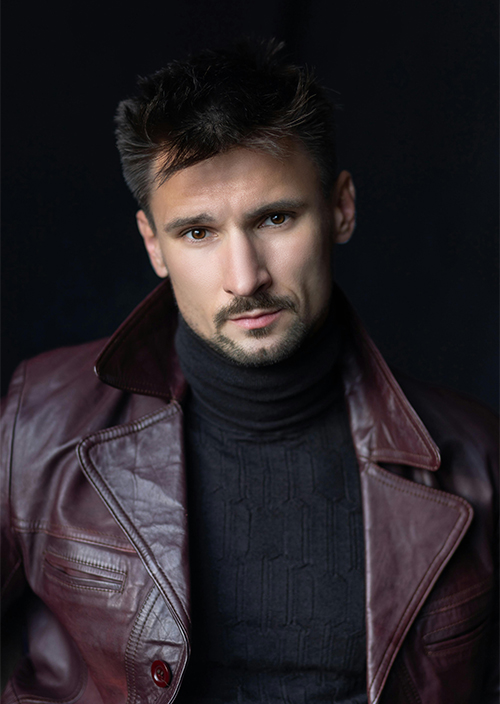
Actor Headshots
These demand a more specialized approach. Instead of just polish, the workflow enhances emotional expression and subtle details that casting directors look for. Retouching is kept natural yet impactful, allowing personality and versatility to shine through.
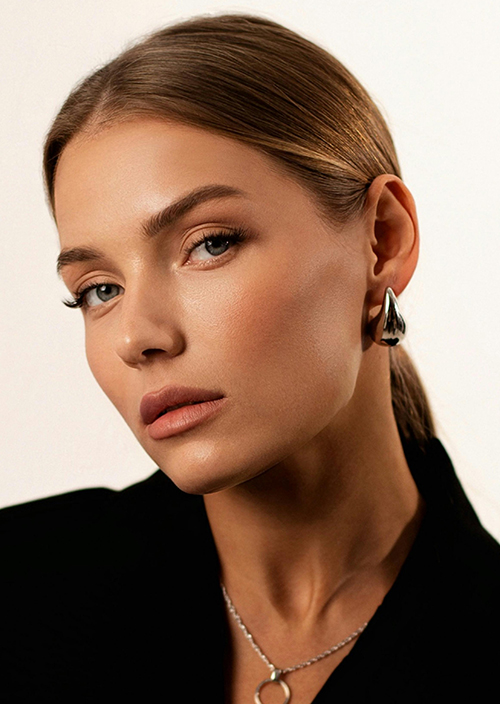
Model & Portfolio Headshots
For models and creative professionals, the workflow highlights aesthetic precision and visual appeal. Retouching emphasizes flawless skin tones, balanced contrast, and striking yet natural details. The goal is to produce high-impact images suitable for agency portfolios, lookbooks, and casting submissions.

Comparison of Headshot Retouching Workflows by Purpose
| Purpose | Workflow Focus | Key Elements | Example Outcome |
|---|---|---|---|
| Corporate Headshots | Team consistency | Uniform lighting, backgrounds, and editing style | Cohesive company website or press kit |
| LinkedIn Headshots | Individual branding | Clarity, confidence, approachable expression | Stronger personal visibility and professional networking |
| Actors’ Headshots | Emotional expression | Subtle retouching, enhanced personality, natural tones | Casting-ready photos showcasing versatility and character |
| Model & Portfolio | Aesthetic precision | Flawless tones, balanced contrast, striking details | Portfolio-ready images for agencies, lookbooks, and casting |
Common Mistakes in Headshot Retouching Workflow
Even with the best tools, many editors fall into common pitfalls that can undermine a professional look. The most frequent mistakes in a Headshot Retouching Workflow include:
- Over-smoothing skin – This often results in a plastic or artificial appearance that eliminates natural texture.
- Excessive sharpening – Pushing sharpness too far creates harsh lines and unrealistic facial details.
- Unnatural background replacements – Poor blending or lighting mismatches make the subject appear out of place, distracting from their professional presence.
Correcting these mistakes is essential for achieving a natural yet polished finish. For reference, our Before and After Headshot Retouching examples clearly show how addressing these errors elevates the final impact.
Tools Used in a Professional Headshot Retouching Workflow
A successful Headshot Retouching Workflow relies on the right tools and expertise. Industry-standard software such as Adobe Photoshop, Lightroom, and Capture One are widely used, with over 20 million professionals worldwide depending on them for high-quality results.
For businesses or busy professionals, outsourcing headshot retouching ensures consistent quality control, saves time, and provides access to expert editors who understand subtle enhancements.
AI-driven retouching tools are becoming increasingly popular, speeding up workflows by as much as 70%. However, while AI can handle repetitive tasks efficiently, it often struggles with nuanced corrections such as maintaining natural skin texture and tone.
This is why manual fine-tuning remains a vital step in the workflow, ensuring authenticity and preserving a polished, professional appearance that automated tools alone cannot achieve.
AI vs. Manual Retouching in Headshot Retouching Workflow
| Aspect | AI Retouching Tools | Manual Retouching by Professionals |
|---|---|---|
| Speed | Up to 70% faster processing | Slower, takes 10–20 minutes per image |
| Skin Texture | Often over-smooth or artificial | Maintains natural look with subtle refinements |
| Consistency | Good for batch edits | Excellent, with quality control adjustments |
| Complex Corrections | Limited in handling nuanced edits | Handles blemishes, lighting, and tone precisely |
| Best Use Case | Quick previews, bulk edits | Final, professional-quality headshots |
Conclusion – Why Follow a Professional Headshot Retouching Workflow?
A structured Headshot Retouching Workflow is the foundation of achieving natural, consistent, and professional results. Unlike casual editing, a professional workflow ensures every detail—skin tone, lighting, and background—is handled with precision, leading to headshots that make the right impression.
The benefits extend far beyond just aesthetics. For companies, consistent headshots strengthen corporate branding and present a unified professional image. For individuals, especially on platforms like LinkedIn, retouched headshots boost visibility and credibility, directly impacting personal branding and career opportunities.
If you’re ready to elevate your professional presence, explore our Headshot Retouching Service to get polished, impactful headshots that truly represent you.
FAQs for Headshot Retouching Workflow
How long does a headshot retouching workflow take?
Typically 30–60 minutes per image depending on detail and complexity.
What’s the difference between workflow and casual editing?
Workflows follow a consistent, repeatable process delivering natural results. Casual edits are often random without quality control.
Which software is best for headshot retouching?
Adobe Photoshop and Lightroom remain industry standards, alongside Capture One.
Can headshot retouching be automated with AI?
AI tools speed up initial edits by up to 70%, but manual workflow remains essential to maintain photo authenticity.